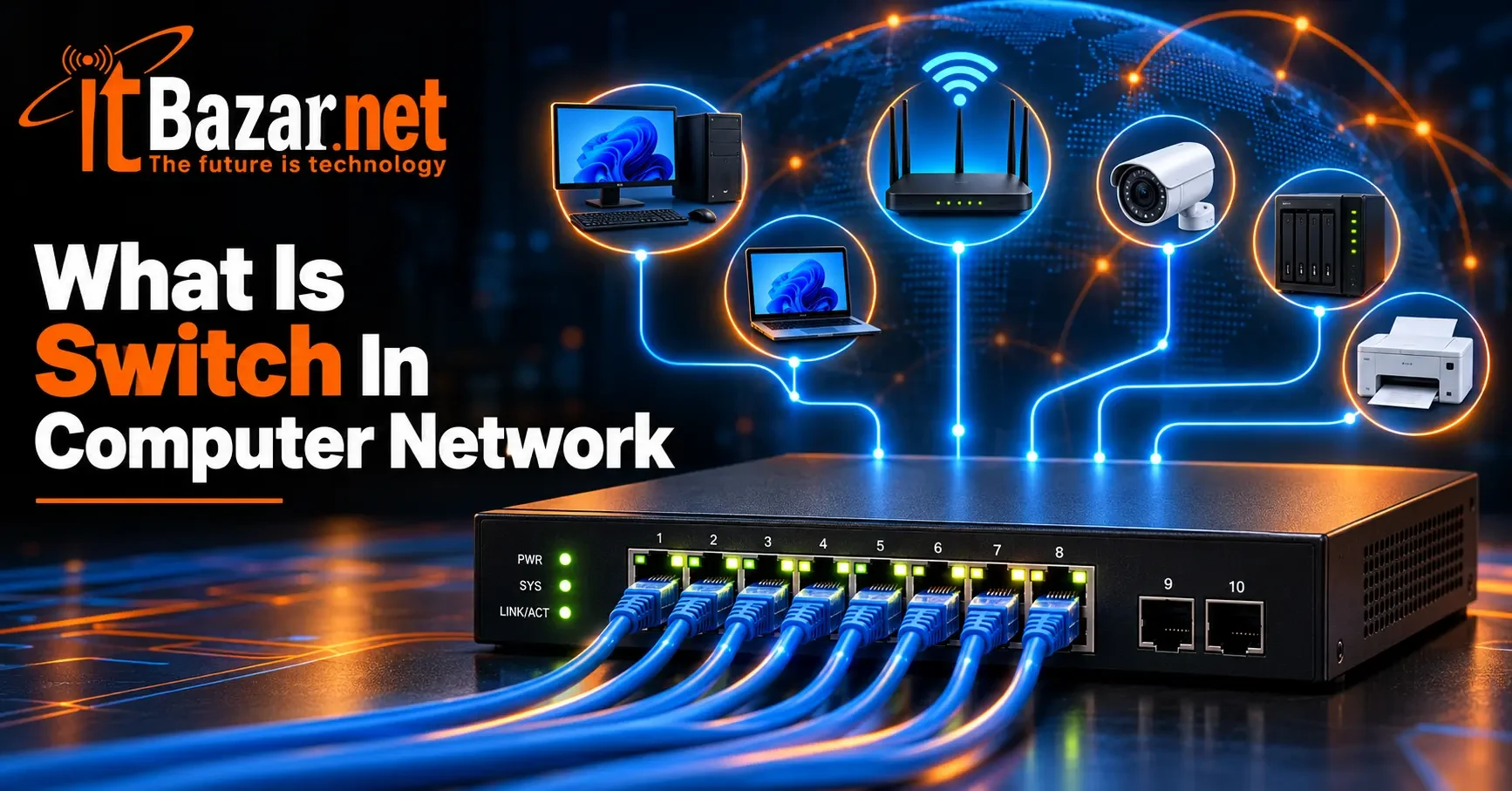
What Is Switch In Computer Network? Everything You Need to Know
A computer network allows devices to communicate and share resources. However, when multiple computers, printers, servers, and other devices need to communicate within the same network, they need an efficient way to exchange data. This is exactly where you need a network switch.
A network switch connects devices within a local area network. Then it forwards data to the appropriate destination. It helps computers communicate and allows users to share network resources. It also supports reliable data transmission across homes, offices, and larger organizations.
If you understand what is switch in computer network, you can easily choose the right networking equipment for your needs. Let's look at how network switches function, how they work, their types, benefits, applications, and how to choose yours. Let’s dive in.
What Is Switch In Computer Network? Core Functions
A network switch links multiple devices within a LAN. Most network switches work at Layer 2 of the OSI model, directing Ethernet frames to the correct ports by checking their MAC addresses. Some advanced switches also operate at Layer 3 to route traffic between IP networks. Core functions include:
The Core Functions of a Network Switch:
Connecting devices: Connects computers, printers, servers, and other devices within a LAN.
Forwarding data: Sends Ethernet frames through the appropriate port based on the destination MAC address.
Learning MAC addresses: Records source MAC addresses and associates them with the ports where frames arrive.
Filtering traffic: Forwards known unicast frames to the correct port instead of sending them to every connected device.
Segmenting networks: Supports VLANs on capable models to separate devices into logical network segments.
Supporting advanced features: Depending on the model, provides PoE, link aggregation, traffic prioritization, and Layer 3 routing.
How Do Switches in a Computer Network Work?
A network switch forwards data between connected devices using MAC addresses. Here is how the process works step by step:
Step 1: A Device Sends Data
When a computer sends data to another device, the data is organised into Ethernet frames and sent to the switch through an Ethernet cable.
Step 2: The Switch Learns the Source MAC Address
The switch examines the source MAC address in the incoming frame. It records this address in its MAC address table and associates it with the port where the frame arrived.
Step 3: The Switch Checks the Destination MAC Address
The switch examines the destination MAC address to determine where the frame should go. It checks its MAC address table to see whether the destination device is known.
Step 4: The Switch Forwards the Frame
If the destination MAC address is available, the switch forwards the frame through the corresponding port, provided that port belongs to the appropriate VLAN.
When the destination is not known, the switch generally floods the frame through eligible ports in the same VLAN, excluding the incoming port.
Step 5: The Destination Device Receives the Data
The frame reaches the destination device through the selected port. If the device responds, the switch learns its source MAC address if it has not already done so.
Step 6: The Switch Updates Its MAC Address Table
The switch continues learning MAC addresses as devices communicate. This helps it forward subsequent frames efficiently without unnecessarily sending known unicast traffic to other ports.
What Are the Different Types of Network Switches?
Network switches come in several types, each designed for different network requirements. Common types are:
◼ Unmanaged Switches
An unmanaged switch works without requiring manual configuration. You can connect devices using Ethernet cables, and the switch handles basic frame forwarding automatically.
These switches are suitable for home networks, small offices, and simple setups where advanced controls are unnecessary.
◼ Managed Switches
A managed switch provides configuration and monitoring options through a management interface, command-line interface, or network management software. Depending on the model, administrators can configure VLANs, monitor traffic, and control access. They can also use features such as Quality of Service (QoS) and link aggregation.
Managed switches are commonly used in business networks where administrators need greater control over network performance and security.
◼ Smart or Web-Managed Switches
Smart switches offer some management features without the full range of controls found on more advanced managed switches. They may support basic VLAN configuration, traffic prioritisation, and link aggregation through a web interface. These switches can be useful for small businesses.
◼ Layer 2 Switches
A Layer 2 switch forwards Ethernet frames using MAC addresses. It typically connects devices within the same local network or VLAN. Most basic Ethernet switches operate at this layer. More advanced Layer 2 models may support VLANs, spanning tree protocols, and other network management features.
◼ Layer 3 Switches
A Layer 3 switch combines Ethernet switching with IP routing capabilities. It can forward traffic between different IP networks or VLANs without sending every packet to a separate router. This makes Layer 3 switches useful in larger office networks, campuses, and enterprise environments.
◼ PoE Switches
A Power over Ethernet (PoE) switch can supply electrical power and transmit data through a compatible Ethernet cable. This allows devices such as wireless access points, IP cameras, and VoIP phones to operate without a separate power connection, provided the devices and switch support compatible PoE standards.
Note: When choosing a PoE switch, check its supported power standard, total power budget, and available power per port.
What Are the Benefits of Switches in a Computer Network?
Network switches connect devices and improve communication within a local network. Here are their main benefits:
✔ Efficient Data Transmission
A switch forwards data to the appropriate destination port. This reduces unnecessary traffic on other ports.
✔ Improved Network Performance
Switches provide separate Ethernet links for connected devices. Full-duplex communication allows devices to send and receive data simultaneously.
✔ Easy Network Expansion
A switch provides additional Ethernet ports for connecting more devices. You can increase your network as you need.
✔ Better Network Management
Managed switches support features such as VLANs. These allow administrators to divide a network into separate logical segments.
✔ Traffic Prioritization
Switches with Quality of Service (QoS) can prioritize specific traffic. This helps applications such as voice and video calls meet their performance requirements.
✔ Simplified Device Installation
Power over Ethernet (PoE) switches provide power and data through one Ethernet cable. This simplifies the installation of compatible devices, including IP cameras and wireless access points.
Note: A switch does not automatically increase internet speed. Performance depends on network capacity, connected devices, and your internet connection.
How to Choose the Right Switch for Your Computer Network?
Choosing the right network switch depends on your devices, network speed requirements, and budget. Consider these factors before making a decision:
◻ Number of Ports
Choose a switch with enough Ethernet ports for your current devices and future expansion. An 8-port switch usually suits a small home network. Larger offices may need 16-port, 24-port, or 48-port models.
◻ Network Speed
Check the speed supported by each port. Gigabit Ethernet supports up to 1 Gbps per port. For faster data transfers, consider 2.5 Gbps or 10 Gbps switches if your devices and network infrastructure support those speeds.
◻ Managed or Unmanaged Switch
An unmanaged switch suits basic home networks and simple setups. A managed switch is better for networks that require VLANs, traffic monitoring, access controls, or advanced configuration.
◻ Power over Ethernet (PoE)
Choose a PoE switch if you need to power compatible devices, such as IP cameras and wireless access points. Check the supported PoE standard and total power budget.
◻ Check Compatibility
Check that the switch works with your existing router and network equipment. Consider Ethernet standards, port types, and uplink options before buying.
◻ Budget and Reliability
Compare prices, build quality, warranty coverage, and required features. Pick one that matches your requirements, budget, and convenience.
Common Applications of Network Switches
Network switches are used in homes, offices, schools, data centers, and industrial environments. They connect devices and support communication within local networks. Common uses include:
◼ Home Networks
A switch connects desktop computers, gaming consoles, smart TVs, and network storage devices. It is useful when your router does not have enough Ethernet ports.
◼ Office Networks
Businesses use switches to connect computers, printers, servers, and wireless access points. Managed switches can also separate departments using VLANs.
◼ Schools and Universities
Educational institutions typically need switches to connect computer labs, classroom equipment, and administrative systems. Larger campuses may use multiple switches across buildings.
◼ Data Centers
Data centers use high-capacity switches to connect servers and storage systems. These switches support high-speed communication and handle large volumes of network traffic.
◼ Security and Surveillance Systems
PoE switches connect compatible IP cameras and supply power through Ethernet cables. This reduces the need for separate power connections near each security camera.
◼ Industrial Networks
Industrial switches connect controllers, sensors, and automation equipment. Specialized models can operate reliably in environments with vibration and extreme temperatures.
Final Words
So, what Is Switch In Computer Network? It is basically an essential device for connecting computers and other equipment within a local area network. It uses MAC addresses to forward Ethernet frames to the appropriate ports and helps devices communicate efficiently.
Different switches offer different capabilities. Unmanaged models suit simple networks. Managed switches provide greater control. Layer 3 switches support routing. PoE switches can power compatible devices over Ethernet cables.
Before choosing a switch, consider the number of connected devices, required network speeds, management features, and power requirements. Select the right model and build a reliable network that meets your needs today and supports future expansion.
Your Most Asked Questions About Switches in a Computer Network
What Does a Switch Do in a Computer Network?
A network switch connects devices within a local area network (LAN). It uses MAC addresses to forward Ethernet frames to the appropriate ports.
How Does a Network Switch Know Where to Send Data?
A switch learns source MAC addresses and stores them in a MAC address table. It uses this table to forward frames to the correct ports.
Can a Network Switch Connect to a Router?
Yes, connect a switch to a router's LAN port using an Ethernet cable. This provides additional wired connections for computers, printers, and other devices.
What Is the Difference Between a Switch and a Router?
A switch forwards Ethernet frames within a local network using MAC addresses. A router forwards IP packets between different networks using IP addresses.
How Many Devices Can Connect to a Network Switch?
The number depends on the switch's available ports. You can connect additional switches to expand the network, subject to its capacity and design.
Does a Network Switch Increase Internet Speed?
Not automatically. However, replacing a slower switch with a faster model can improve network speeds when the existing switch is a bottleneck.
Can I Use a Network Switch at Home?
Yes, an unmanaged Gigabit Ethernet switch is often suitable for home networks. It lets you connect additional wired devices to your router.


 PC Builder